

Knowledge Base
How to restore a deleted resource
If a resource gets deleted but you still need it, don’t worry — you can restore it. The resource can only be restored for a limited time after the deletion, so please do so as soon as possible.
First, go to Resources
1. Click Manage.

2. Click Restore Deleted.

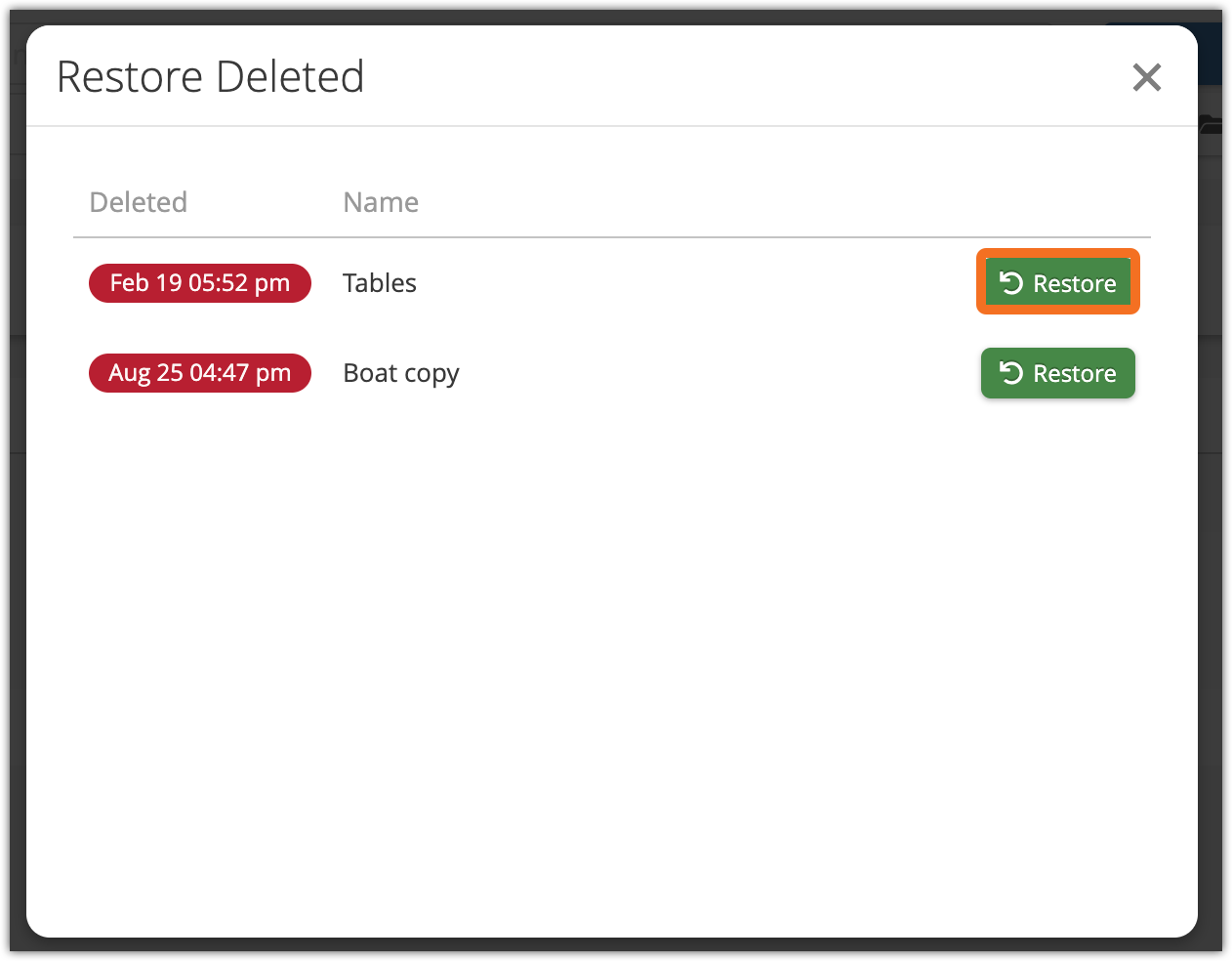
3. Click Restore next to the resource you want to restore. You can see its name and the time of deletion.
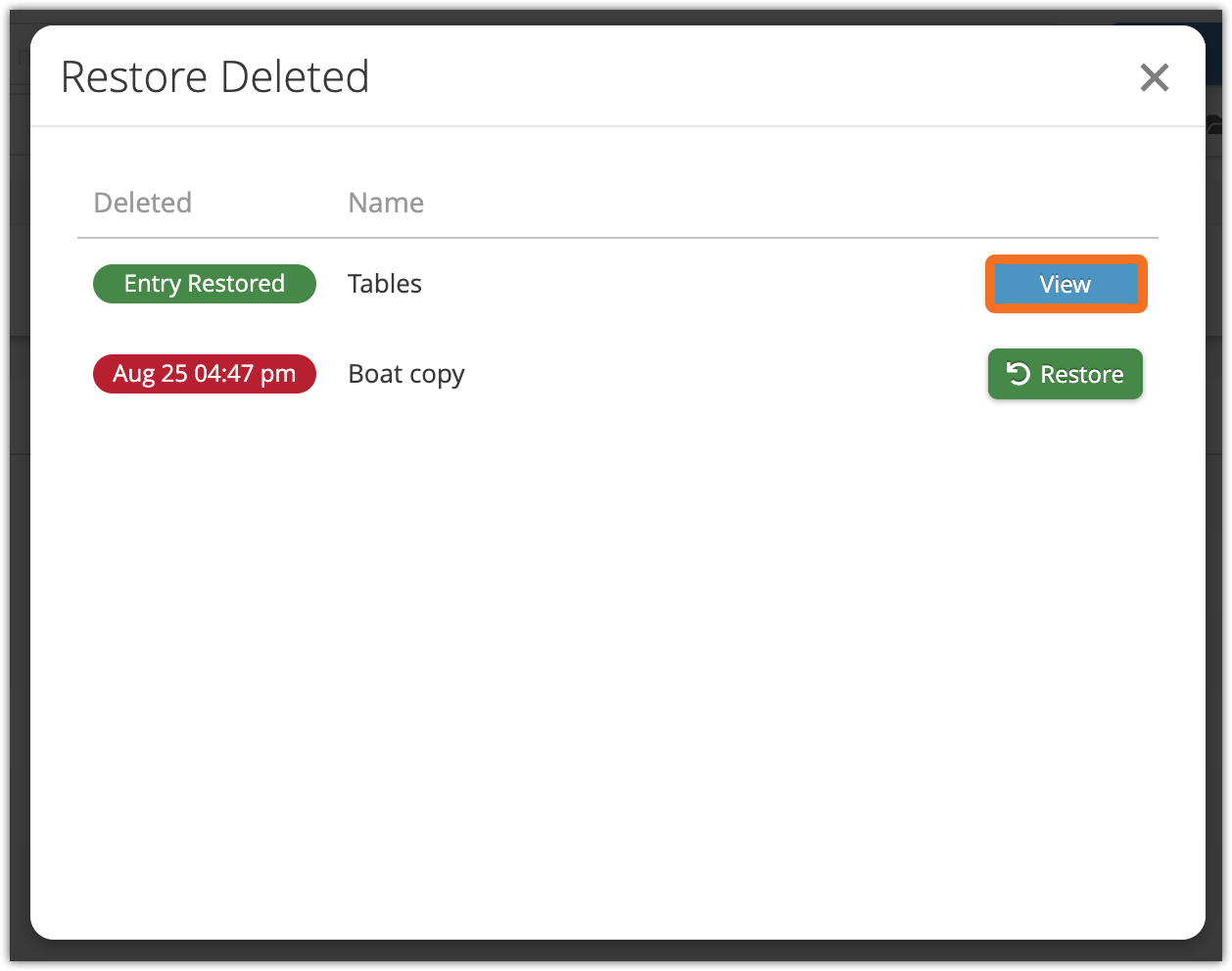
When the resource is restored, it will be inactive. If you want to reactive it, click View.
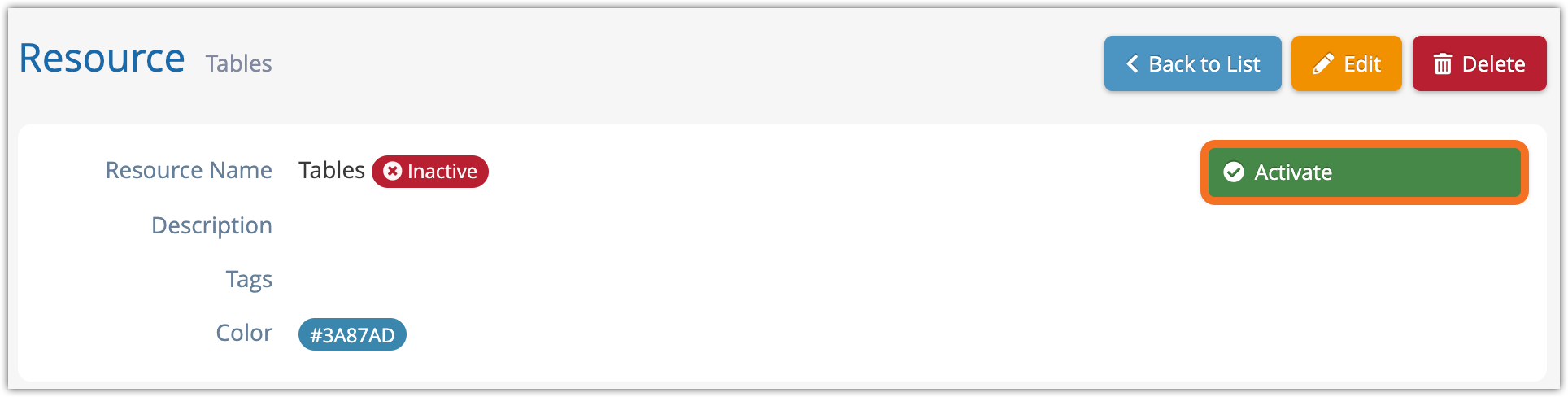
Click Activate to reactivate the resource.